I grew tired of using my NordicTrack in manual mode within the iFit software, simply doing a 400mtr manual workout. I grew tired of the nagging interface asking me to subscribe. I wanted more.
I wanted to be able to have different interfaces, a 400 m loop track along with a visual path for saved routes. Along with this I wanted automatic deck movement based on a route, a coach that talked to me and yes for me, I wanted Home Assistant integration. Thankfully the NordicTrack runs an Android console. Once you know that, you can start to think about how to replace what software is on there talking to the actual motor board hardware.
So with Claude Code (and Claude Design) alongside me, we set about first jailbreaking the device, then working out what the motor board says over its serial link, and finally writing a replacement console app to bring it all together. The decoded protocol is written up in the repo.
What you’re actually changing
The software on the tablet and nothing else. The beauty is that the motor controller, the belt, the deck and the incline motor stay exactly as they were, and critically, the safety key remains active, directly controlling the board. On these machines the console is an Android tablet that talks to a separate motor board over a USB serial link, and that board is the one with the safety-critical job.
This also means this entire thing is reversible. A factory reset from the console’s own recovery puts the manufacturer’s software back.
Will it work on your treadmill?
Well, maybe. It works on my model, and it should work on yours if it matches the table below. It may well work on other machines too. Give it a try, and if you’d rather not do it by hand, use Claude Code (or OpenAI Codex) to help: once you’ve got ADB sorted (see below) it can talk directly to the treadmill and install and debug things for you.
| Known-good machine | |
|---|---|
| Model | NordicTrack C 1750 |
| Generation | Gen 6, the embedded “CLASSIC” console |
| Android version | 9 |
| System version | EKA2_20221110 |
| Motor board | FitPro, device id 0x04 |
| Reported ranges | incline -3 to +12 %, speed 1.6 to 20 km/h |
Other Gen 6 NordicTrack and ProForm consoles on the same FitPro board are likely to work, because the serial protocol looks like a family rather than a single model. However, at the time of writing, nobody else has tested any other machines and I’m not buying more just to test this.
Gaining access
The full step-by-step is here in the install guide, but here’s the gist of it.
Factory reset the console first. We need to ensure we are starting fresh. Locate your ‘reset button’ (typically a little hole with a button at the bottom, which you press with a needle or SIM tool). On my machine it’s on the top edge. On others it’s on the left edge, or behind the tablet screen. Simply hold the pinhole reset button while you switch the treadmill on at the power switch, and wait for the recovery screen. It takes five to ten minutes and resets all software and settings to factory fresh. Once done, stay off Wi-Fi until you’ve dealt with the iFit software.
Get into privileged mode. This one can take a few tries. What we are aiming for is the administrator/privilege/God mode that most devices have. This is designed to allow a technician to get access to the Android system under the iFit App. On the iFit welcome screen, tap a blank area ten times (I find the area around the Welcome text worked for me), then wait around seven seconds and then tap the same spot ten more times. It seems weird and it took me a few tries to get this right. You will see a “challenge code” interface pop up. You get the matching response code either by ringing NordicTrack support (this is what a technician would do) and asking for one, or from a third-party response-code calculator. Enter it, and the console drops you on a normal Android apps screen.
Stop iFit locking you back out. Right, now we need to stop iFit taking over. Two apps matter: iFit Admin (com.ifit.eru) and iFit the interface (com.ifit.standalone). For each we need to stop them running (disable them), and for the Admin one take away its permissions to ‘display over other apps’ and ‘modify system settings’. Because it’s a system app, you can’t uninstall it. You can force stop iFit itself or uninstall it, as it won’t be needed any more.
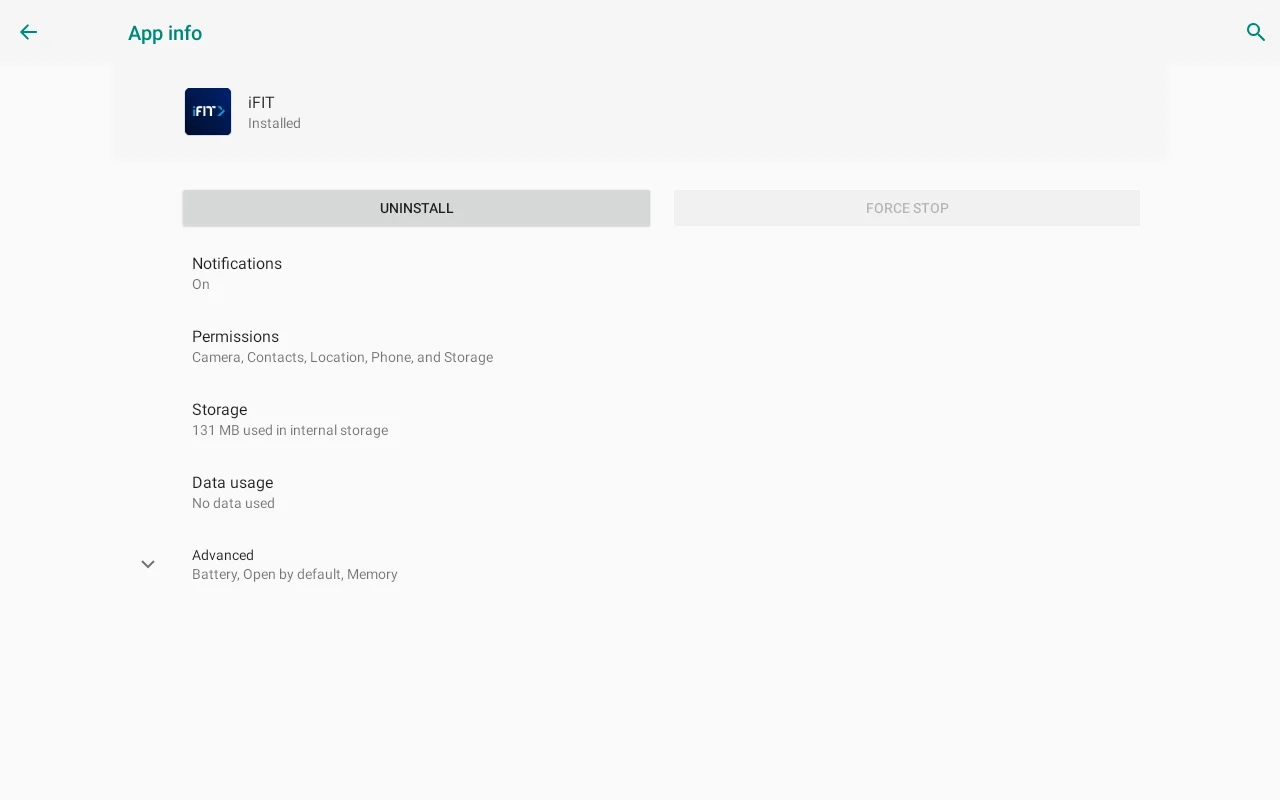
Turn on ADB over Wi-Fi. Right, things are much more standard Android from here. We want to enable ADB which is how our laptop (or coding agent) will communicate with the treadmill over Wi-Fi (btw: if your device happens to expose the USB connection, you can do much of this with a direct USB cable plugged in). In order to turn on ADB, we need Developer Settings, so let’s enable that. In Settings, then About tablet, tap the build number seven times. This will turn on Developer Mode. After about four taps the console starts counting down the remaining taps and confirms on the seventh. Then back up one menu to find Developer options, and in there switch on USB debugging, then go and join your Wi-Fi network, and read the console’s IP address back off the About screen.
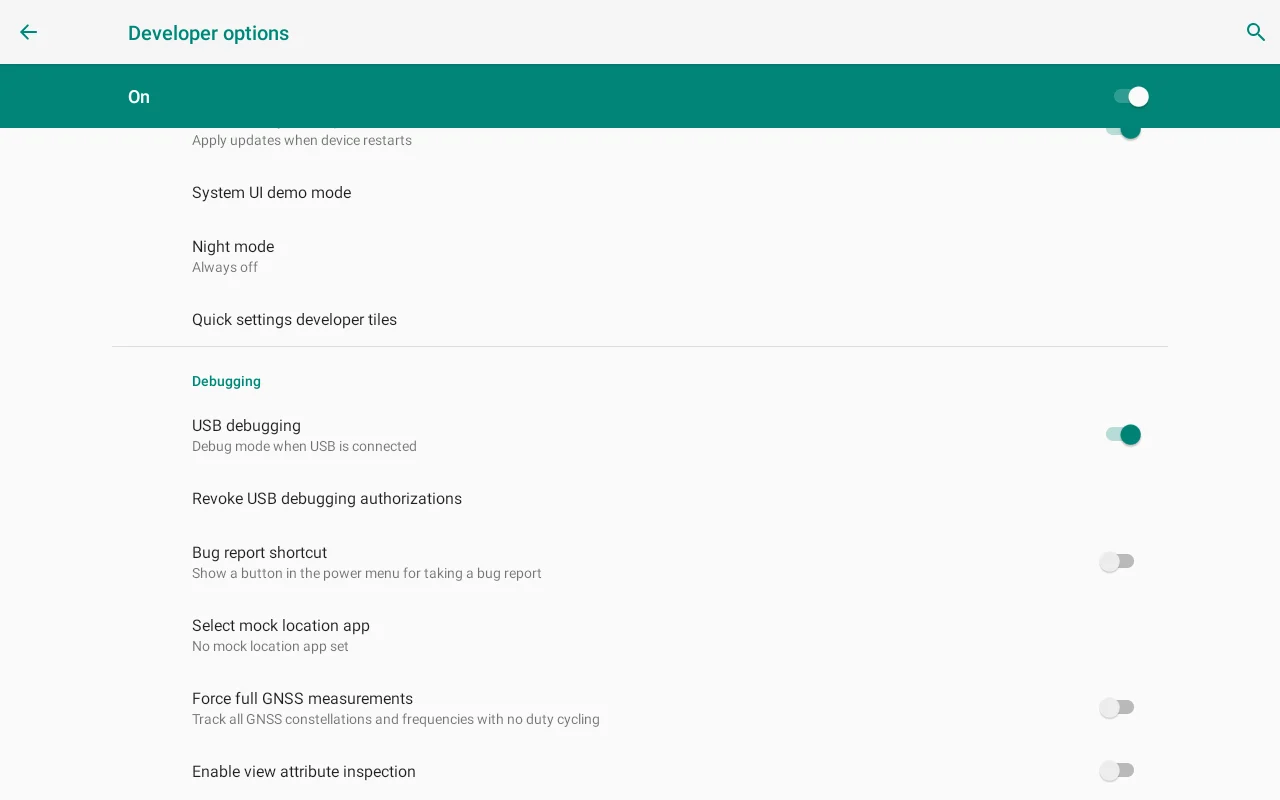
At this point you can either test that ADB comes back after a power cycle, or risk it and push on. For me Wi-Fi ADB is my only route in, and it’s never missed a beat once I nailed the steps above.
Time to replace the interface with STRIDE. There’s a signed APK on the releases page now, so if you’ve got this far the rest is adb install -r stride-v0.7.0.apk and then adb shell am start -n dev.stride.hud/.MainActivity. It ships with nobody’s broker details in it, and you put your own in on the console later if you want Home Assistant.
You can still build it from source, and the install guide walks through both. Whichever you pick, stay with it: Android identifies an app by its signing key, so your own build and the released APK are different apps to the console, and moving between them means uninstalling first and losing your settings.
If you’d rather not drive it by hand, open up a Claude Code console, point it at the GitHub repo, tell it the IP address of the treadmill and say something like “Using ADB connect to this treadmill, follow this GitHub repo and install STRIDE on my treadmill”. It should just follow the tools and get it set up for you.
What you get
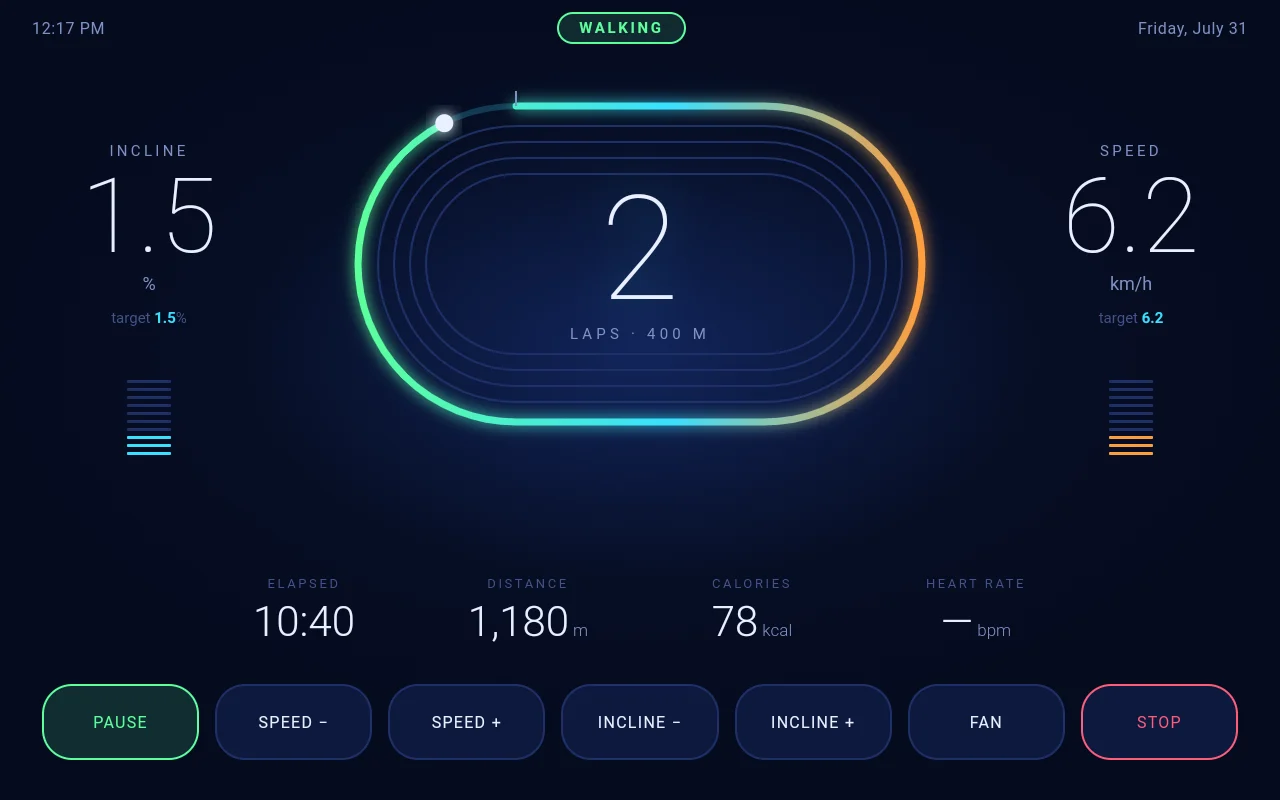
STRIDE, an open source Android app replacement for the treadmill’s own screen. The belt and the incline work with no login, no subscription and no internet (you can connect it to Home Assistant if you like). Guided walks drive the deck through a hill profile. There are five different interfaces to pick from in settings.
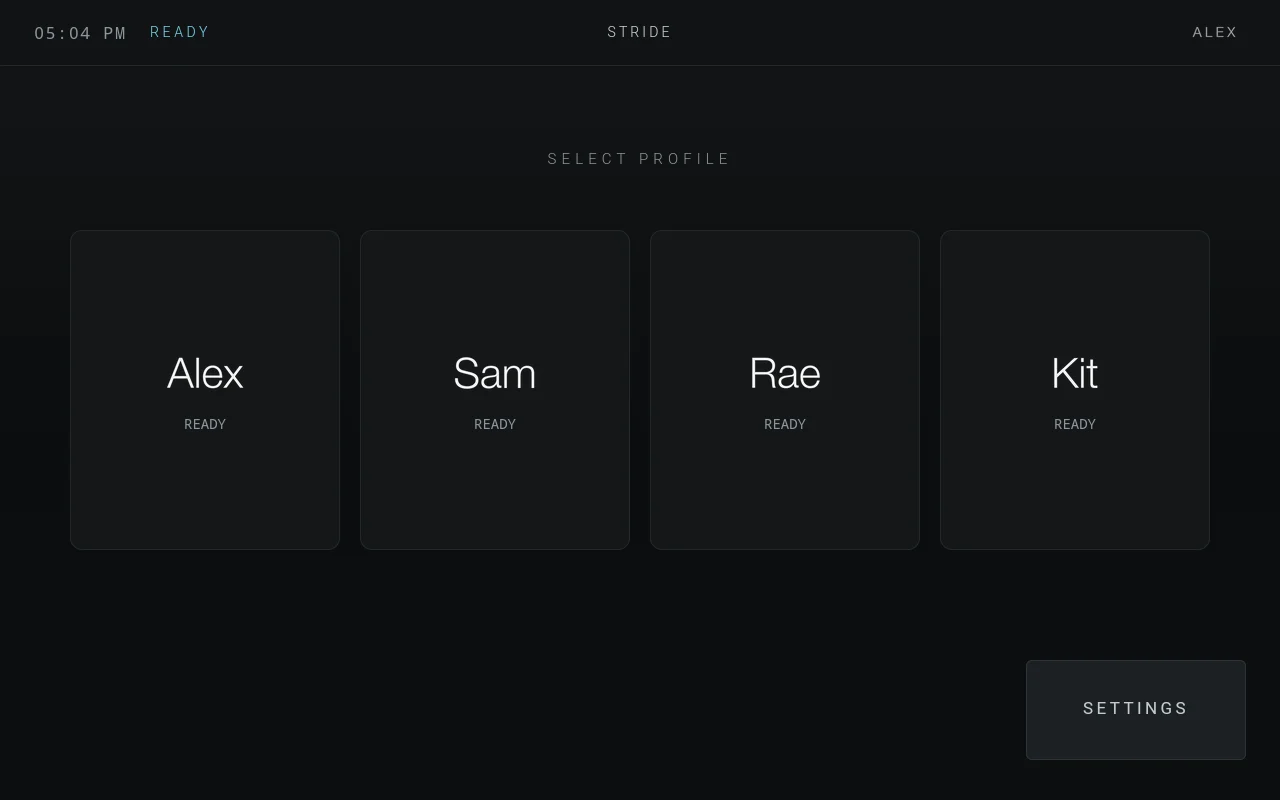
Everything is configured on the treadmill’s own screen. There are no config files to edit and no rebuild to do when you change your mind about warm-up length.
If you run Home Assistant, put your MQTT broker details into the console’s settings and a Treadmill device appears with speed, incline, distance, elapsed time, pulse, calories, mode and workout, plus a device per person as they walk. The console publishes its own MQTT discovery, so nothing gets installed on the Home Assistant side and there’s no custom component to accept. Build whatever dashboard you like from the entities.
None of that is required. It’s all optional. The console is designed to work standalone, with no broker, no network and no phone. Having said that, in the future I’ll release a three-part toolset allowing you to connect STRIDE + Home Assistant + an iOS app. The iOS app syncs your Apple Health data to your phone and allows you to convert routes you’ve taken during a workout (e.g. your favourite hill track in the neighbourhood) to guided routes to replay on your treadmill (think: deck moves to replicate the workout as close as it can automatically). With Home Assistant, health data and AI, you can have a coach that talks to you from your treadmill.
Before you start
This is very much use at your own risk. After all, a treadmill is a physical device that can and does move! The good news is your safety key is physical hardware that cuts the motor directly. Also, when building STRIDE, I decided it can drive the incline but SPEED is only ever suggested (other than auto start-up, which is an option you can turn off, and which is capped at 3 km/h). You, the user, are the one who drives the speed.
It’s open source, so go for it
All of it is on GitHub under Apache-2.0. Use it, contribute to it, fork it and take it somewhere I wouldn’t have. You can change it, ship it and even sell it without asking me, there’s no CLA to sign, and you keep the copyright on anything you write.
A few things worth knowing if you want to poke at it:
- The FitPro protocol is decoded and written down. If you’re on a different machine, start there. It’s the part that took the longest and it’s the most reusable thing in the repo.
- You don’t need a treadmill to work on the interfaces. All five are plain HTML and each one opens standalone in a desktop browser with fake data behind it, so you can redesign a screen on a laptop on the train.
- CONTRIBUTING.md covers getting set up, and the rules I’d ask you to keep if you’re changing anything that moves the belt.
The one thing I’d really like back is what board your treadmill has, working or not. There’s an issue template for it. I can’t build a list of known-good machines from a sample of one, and I’m not buying more treadmills to try.
Frequently asked questions
Does jailbreaking a NordicTrack treadmill void the warranty?
Almost certainly, yes. You're replacing the software on the console with something the manufacturer didn't write. The belt, motor and deck aren't touched, but don't expect goodwill on the console after doing this. I only did this to my treadmill after the 12-month warranty expired.
Can I undo it and go back to iFit?
Yes. A factory reset from the console's own recovery restores the manufacturer's software, and you set up iFit again from scratch. This has been verified on the machine the project was built against. It takes minutes and is super easy to do. I've done it multiple times as I developed STRIDE.
Which NordicTrack and ProForm treadmills does this work on?
It's confirmed on a NordicTrack C 1750, which is a Gen 6 machine with the embedded "CLASSIC" console, a FitPro motor board and Android 9. Other Gen 6 NordicTrack and ProForm consoles on the same board are likely to work, because the protocol is a family rather than a single model. Nobody has a list yet, which is the most useful thing anyone reading this could help build.
Can I use a heart rate strap?
Yes, and it's how you get a heart rate at all. STRIDE reads any strap using the standard Bluetooth LE heart rate service, which covers Polar, Garmin, Wahoo, Coospo and most others. It's tested with a Coospo strap. ANT+ straps won't work, because the console pairs over Bluetooth LE. The FitPro board does have a pulse field, which some machines wire to contact grips on the handlebar, but the C 1750 this was built on has no grips and that field reads zero all the way through a walk.
Do I still need an iFit subscription afterwards?
Nope, that's the whole point of it. The belt runs, the incline moves, and guided workouts play with no login, no subscription and no internet connection.
Is it safe to run custom software on a treadmill?
The physical safety key stays the stop of record, and it's hardware that cuts the motor regardless of what any software thinks. In STRIDE the incline is driven directly, and speed is only ever suggested: the user decides when to increase or decrease it. Read the project's safety notes before installing anything.
Does the treadmill need to stay connected to Home Assistant?
No. The console works standalone with no broker and no network. Home Assistant is optional, and when it's configured the treadmill publishes its own MQTT discovery, so there's no integration or custom component to install.
Do I have to build STRIDE myself, or is there an APK I can install?
There is a signed APK on the releases page, so adb is all you need: download it, run adb install, and launch it. Building from source is still supported and the install guide covers both routes. Pick one and stay with it, because Android identifies an app by its signing key: crossing between your own build and the released APK means uninstalling first, which takes your settings, profiles and workout history with it.
Is STRIDE open source, and can I fork it?
Yes to both. STRIDE is on GitHub under the Apache-2.0 licence, so you can use it, change it, ship it and sell it without asking permission. There's no CLA to sign and you keep the copyright on anything you write. The decoded FitPro serial protocol is in the repo too, which is the place to start if you're working on a different machine.